
Preparing your download
38-Language Dictionary Extension for Chrome is being verified and prepared...
Choose an Option
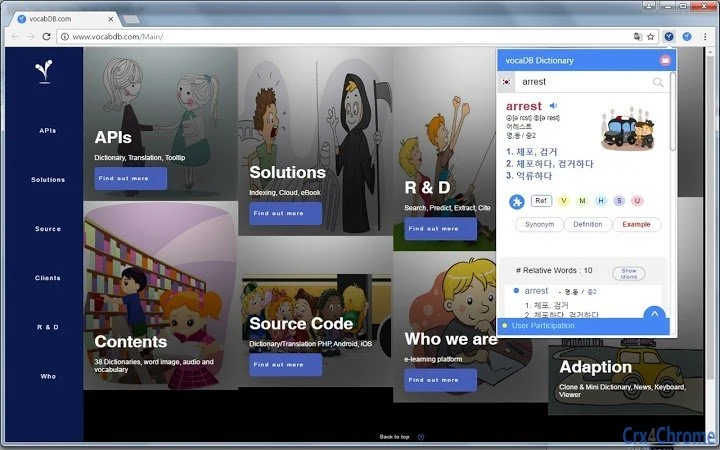
What is 38-Language Dictionary Extension for Chrome?
"Extract and Save My Words"Why can we enter only one word when searching dictionary?Isn't it more convenient if we can enter multiple words and get their meanings and translation simultaneously?That's the reason we developed VocaDB Dictionary, a solution that can automatically extract words and idioms from the text.The app can search a word, extract words and idioms from an input text, provide related words and idioms, and a lot more.VocaDB Dictionary has a wide variety of features such as:1. Text Search2. Extract words and idioms3. Search result by User's level4. Reverse search (Non-English to English)5. Customized dictionary with image6. Support 38 languages7. Search & Save8. Linked Extract words and Translation9. Dictionary APIsThis 38-language dictionary is developed using vocaDB APIshttp://www.vocabdb.com/apis/Google Tap to translate vs. vocaDB.com : https://youtu.be/89SLvpmnejo (May, 2016)Google chorme extension vs. vocaDB.com : https://youtu.be/ajAHxExa6m8Samsung Note7 vs. vocaDB.com https://youtu.be/KwZDb02FtE4 (August, 2016)vocabDB.com보카디비 38 언어 사전, 번역dictionary, translation, translate, vocabulary, language, search
How Download Works
Go to the Softpas website, press the 'Downloads' button, and pick the app you want to download and install—easy and fast!






